Today's workout, ready
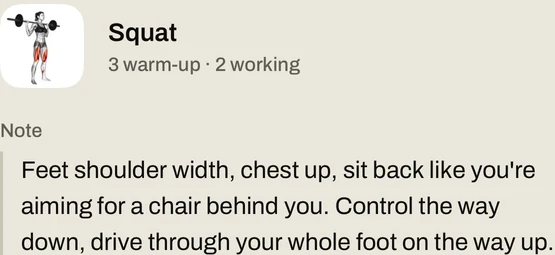
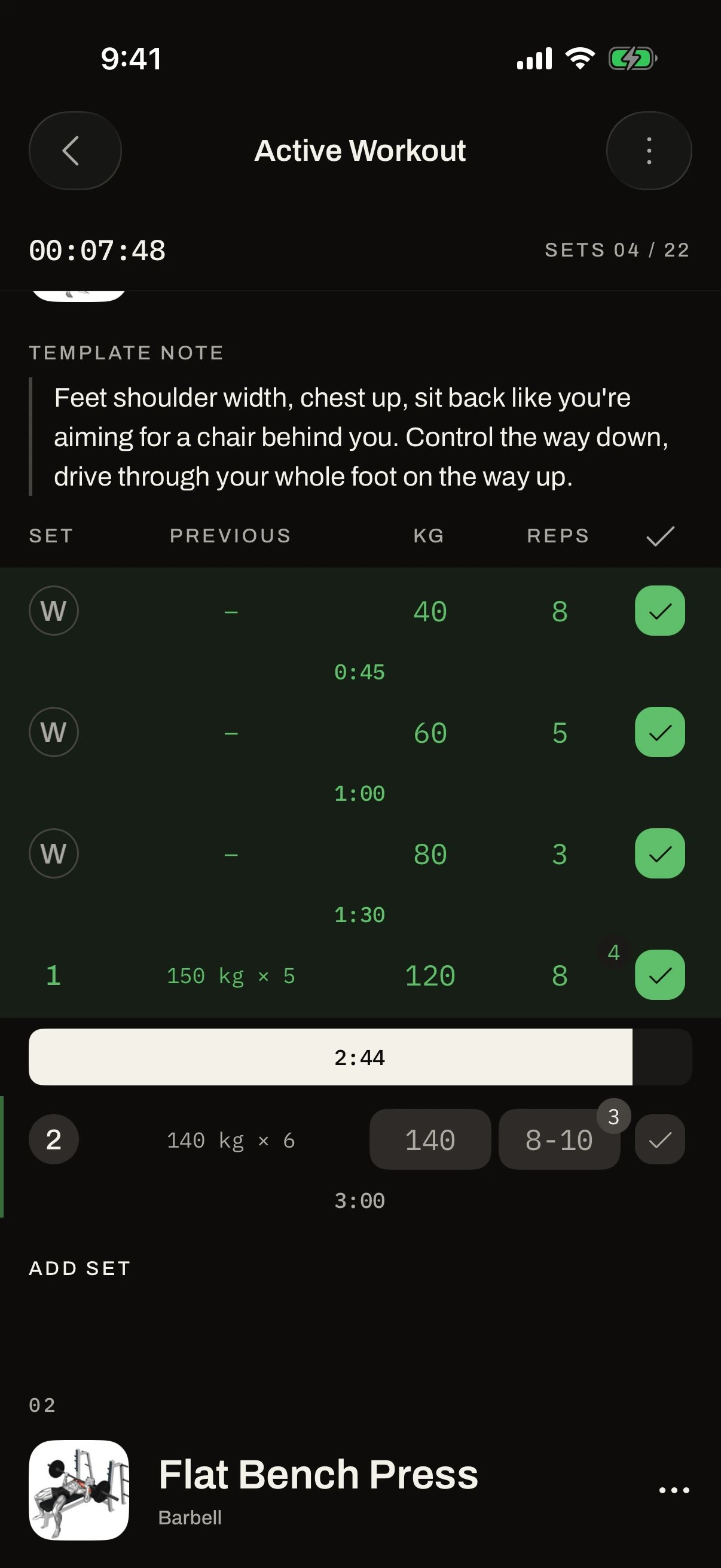
Your program sets every session. Each exercise has a video, and next to each set you see what you lifted last time.
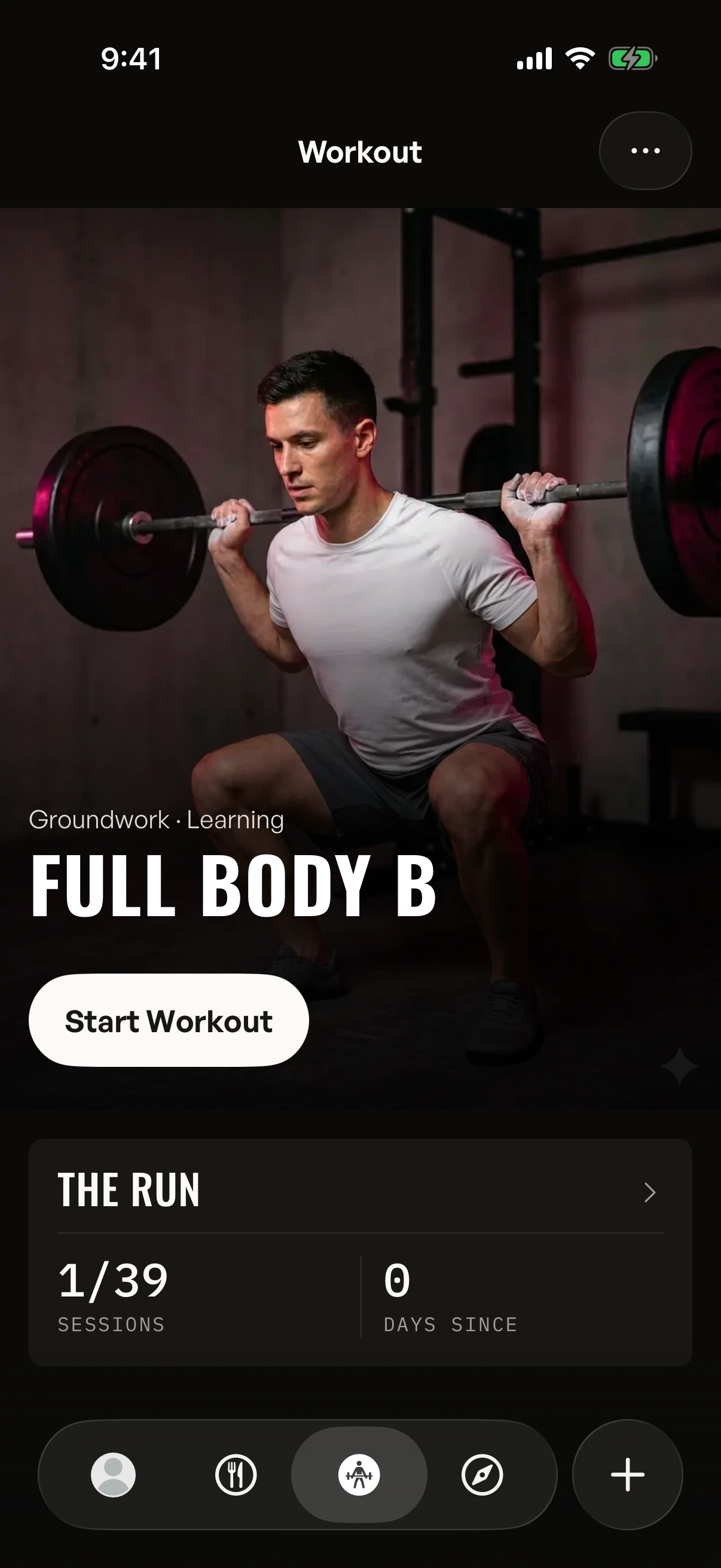
The Gymbers app is your 100‑day plan. It tells you what to train each day, tracks what you eat and counts your steps.
The next #Gymbers100 group starts January 1
The next #Gymbers100 group starts in 49 days, on January 1, 2027.
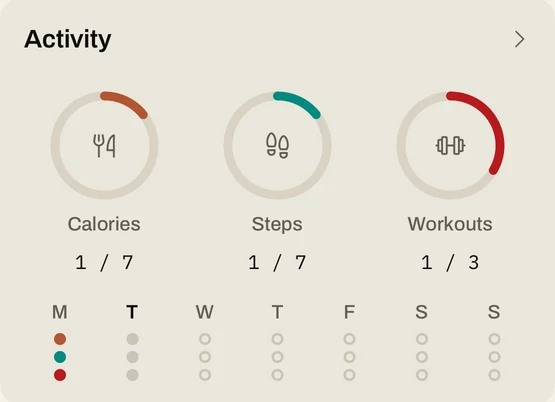
Works with Apple Health and Health Connect
Your program sets every session. Each exercise has a video, and next to each set you see what you lifted last time.
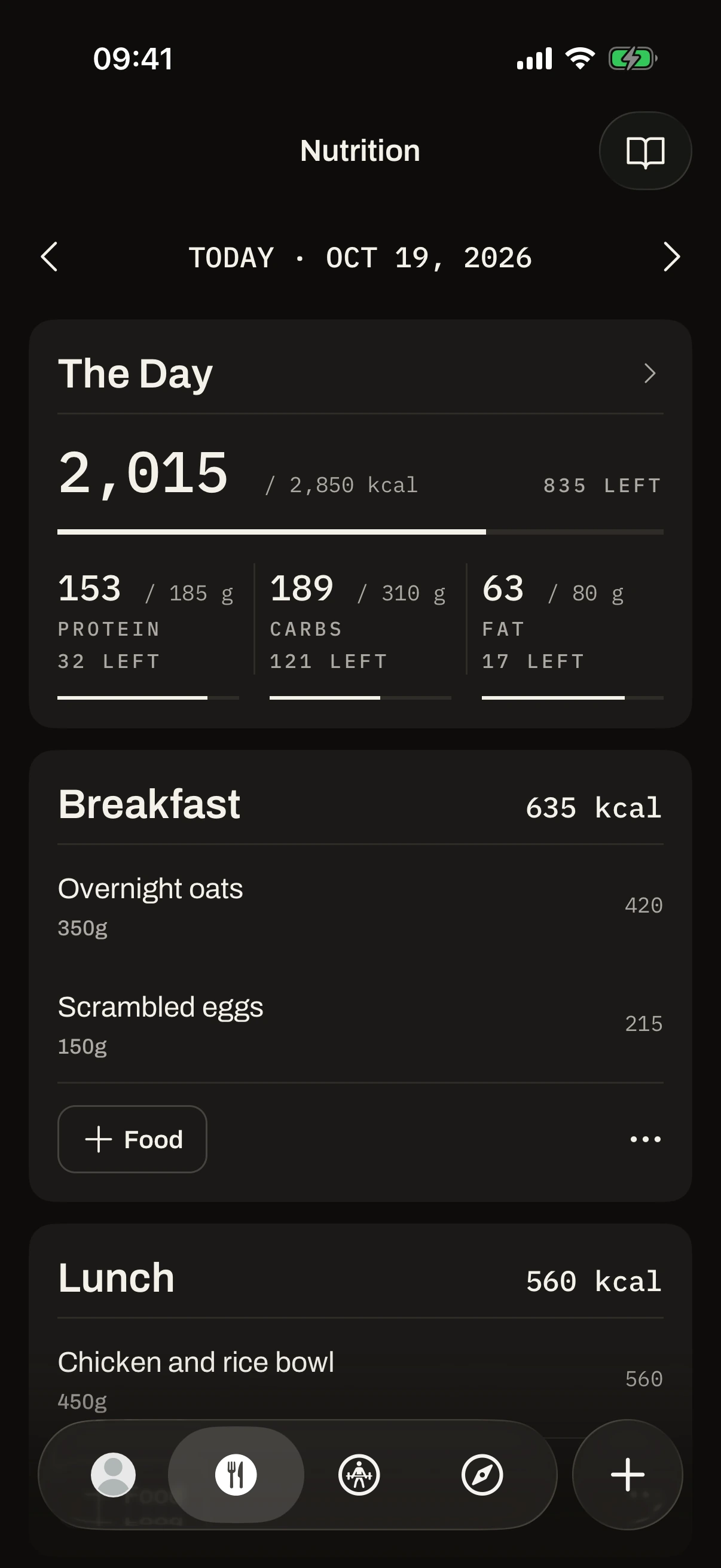
Scan a barcode or search for a food. Cooked one of the app's recipes? Add it in one tap. You see your calories and protein for the day.
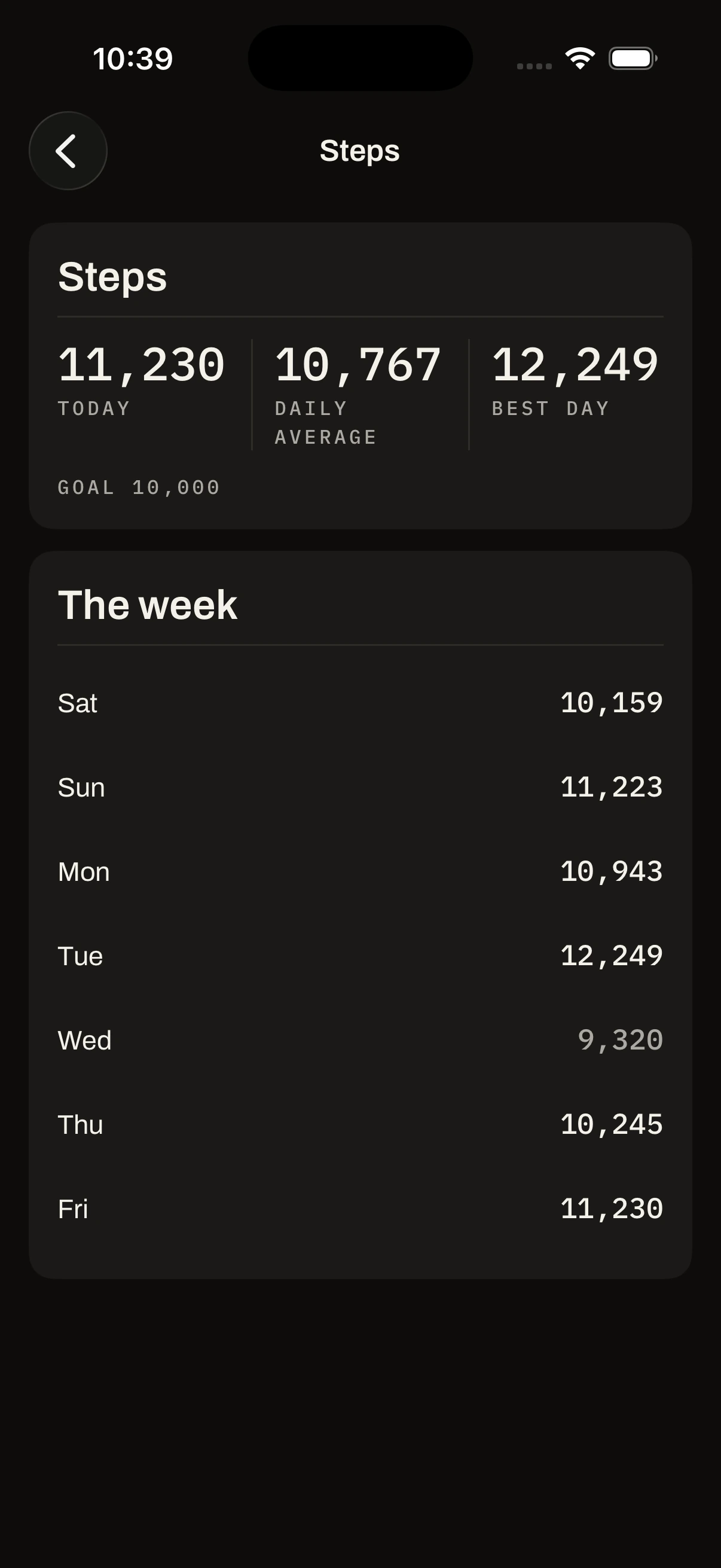
Connect your phone's health app once and your steps come in on their own. Aim for about 10,000 a day.
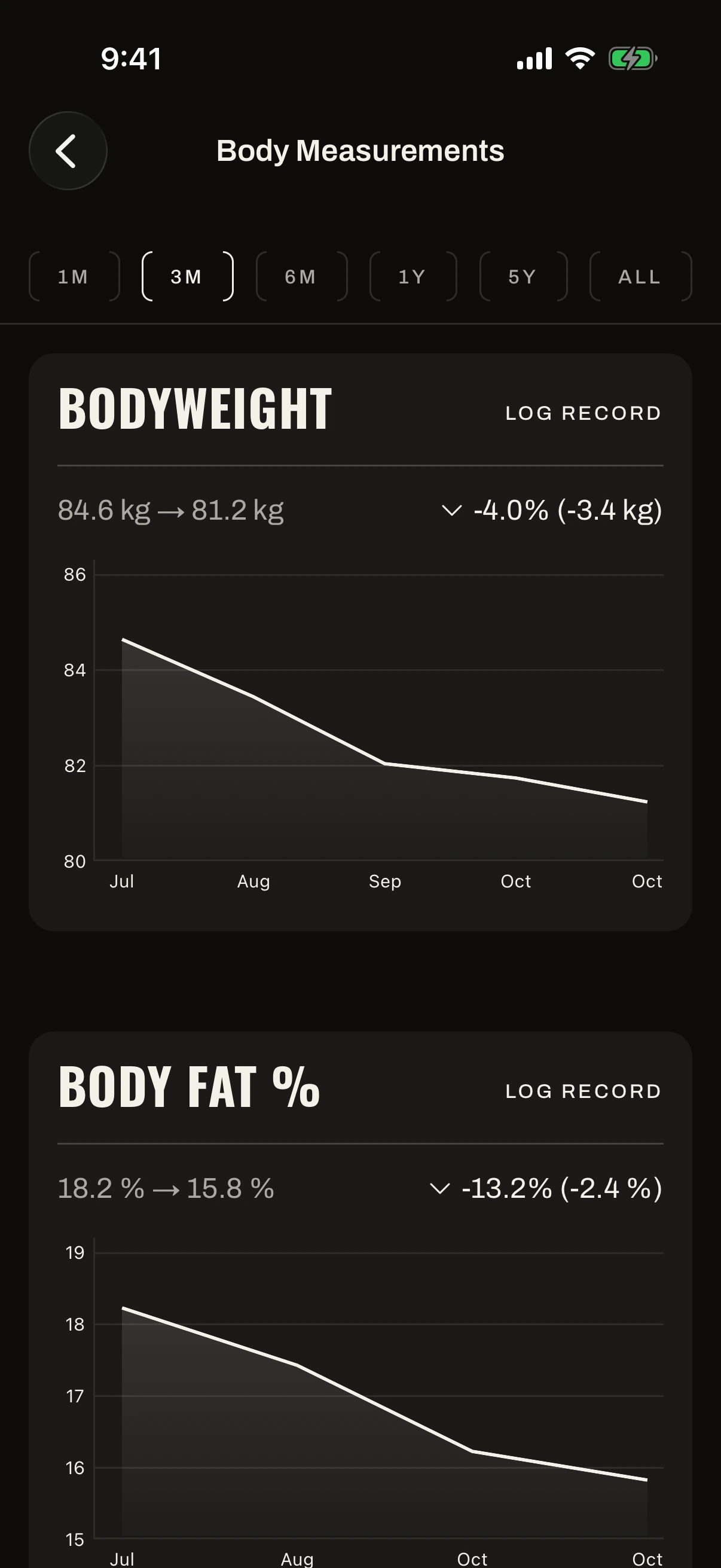
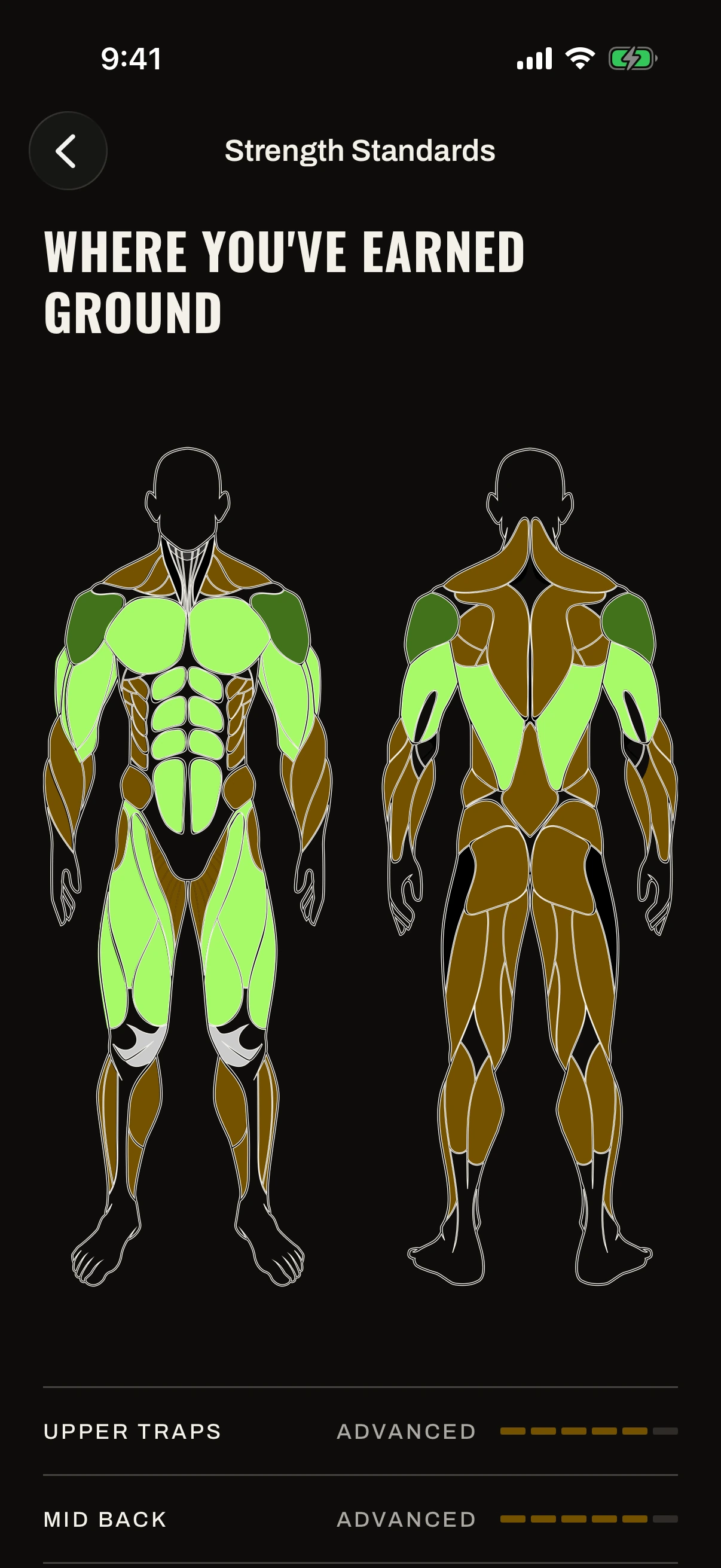
Every set is saved. See which muscles are getting stronger, and how your weight and body fat change week by week.
Three rules, every day for 100 days. The app tracks each one for you.
Food · 75%
At least 75% of your calorie target.
Training · 3+
At least three.
Steps · 1,000,000
About 10,000 a day.
Start your own 100 days any day in the app.
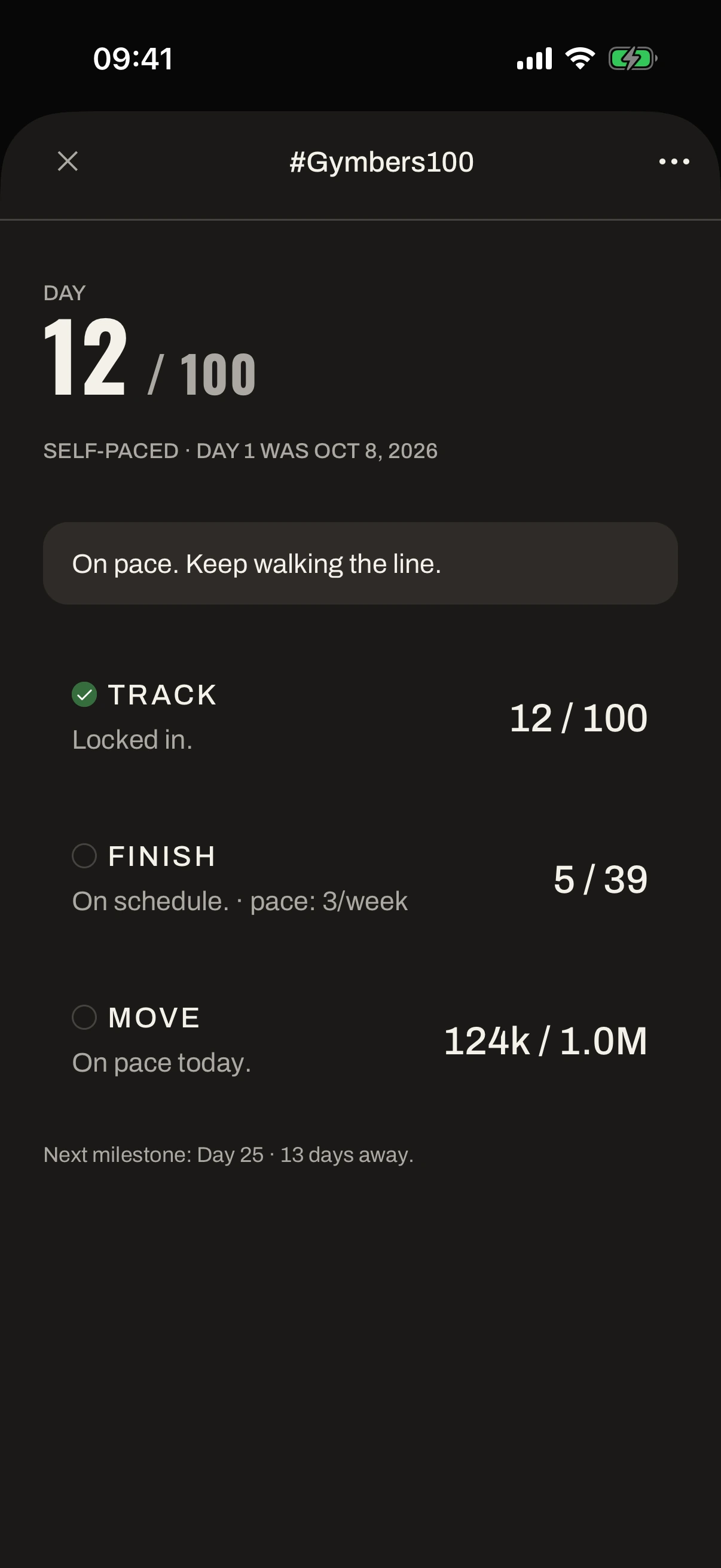
A day you don't log enough food, or a week you don't train enough, counts as a miss. You can have three misses, plus one more on days 25, 50 and 75. Go over and the challenge ends; you can start again any day.
A program is a training plan that runs for several weeks; pick one for your level. A cookbook is a set of recipes, each with its calories and protein.
 Beginner
Groundwork
13 weeks · 3 days/week
 Intermediate
Iron Divide
13 weeks · 4 days/week
 Intermediate
The Blueprint
13 weeks · 3 days/week
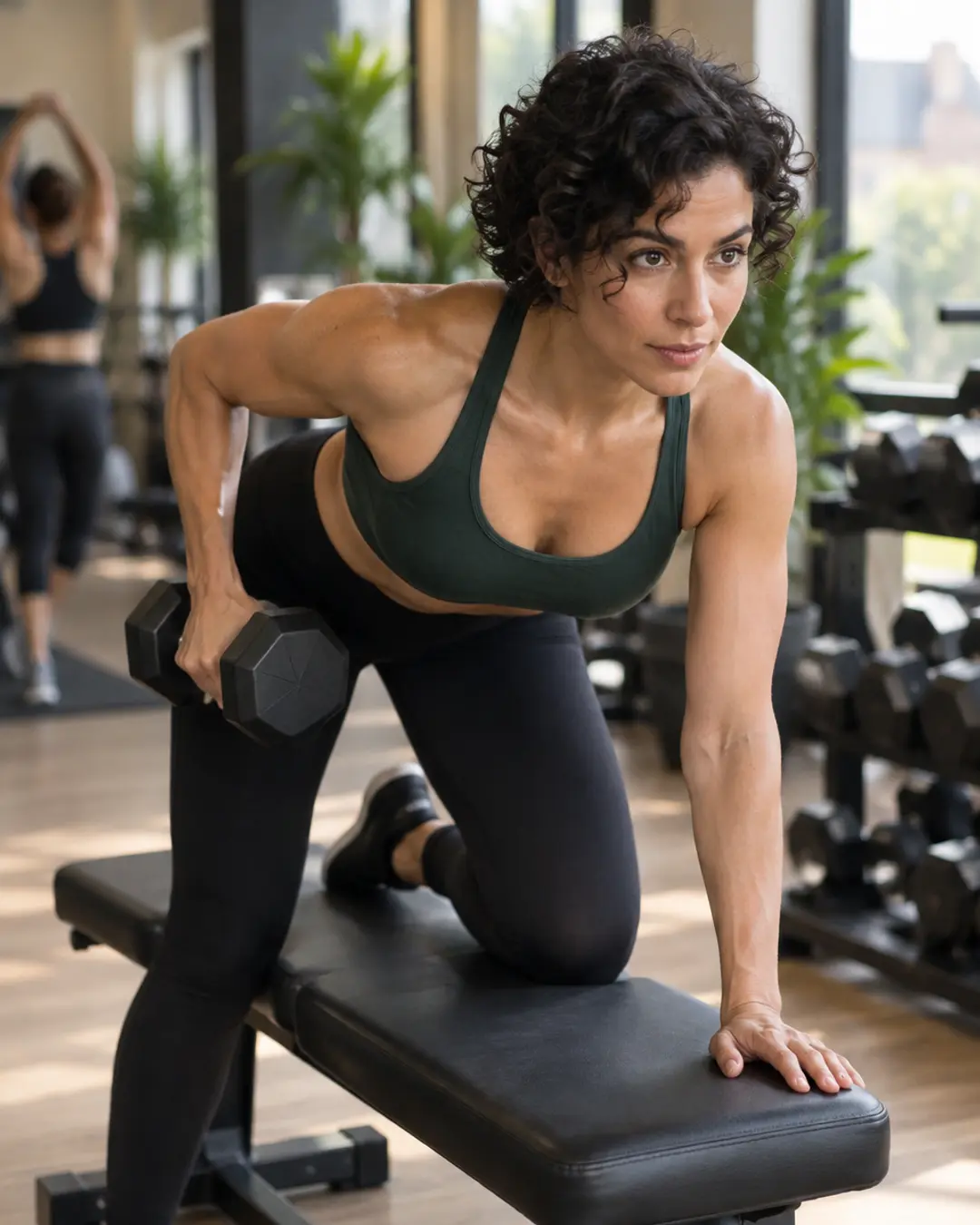 Intermediate
The Sculpt
13 weeks · 3 days/week
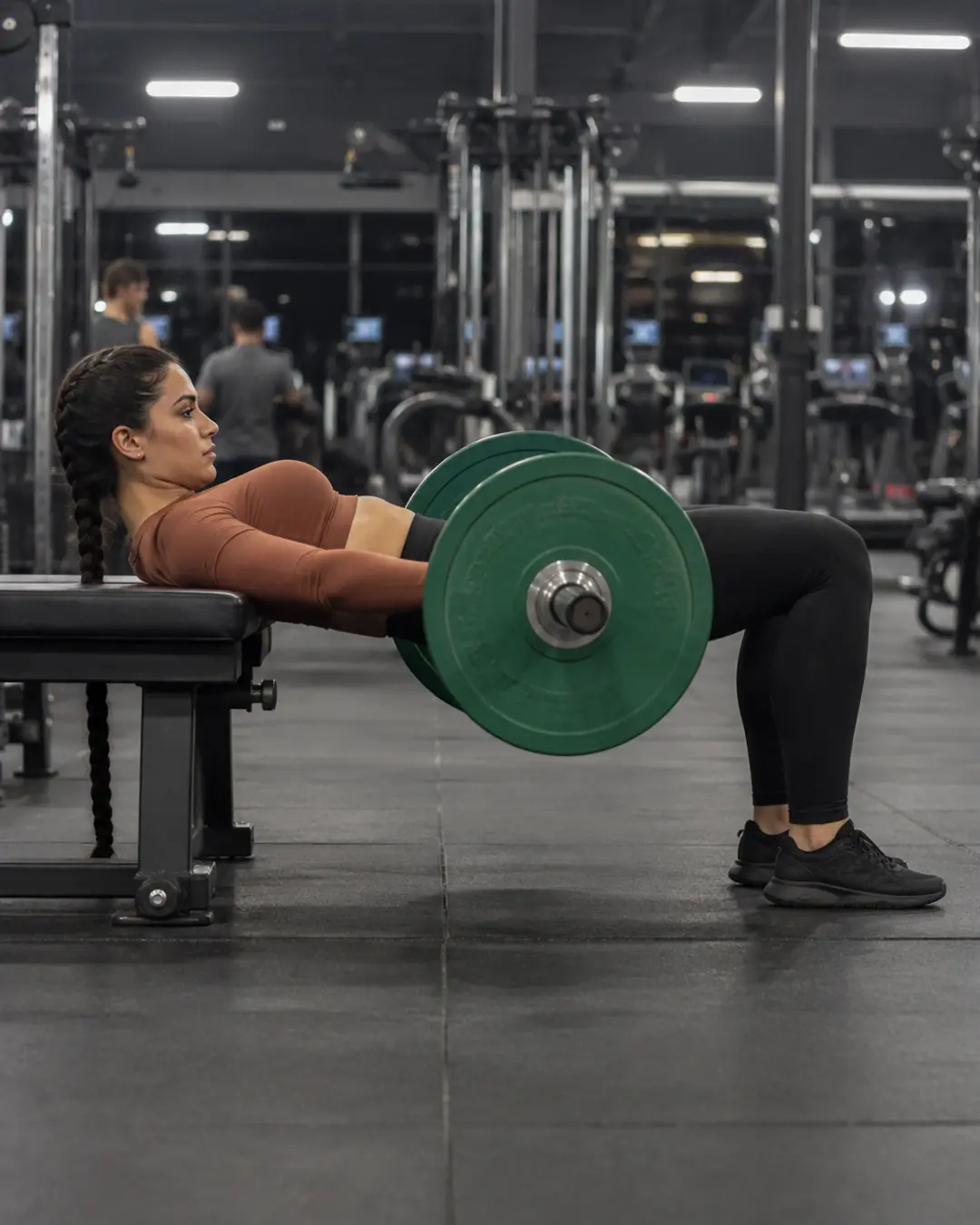 Beginner
First Step
12 weeks · 3 days/week
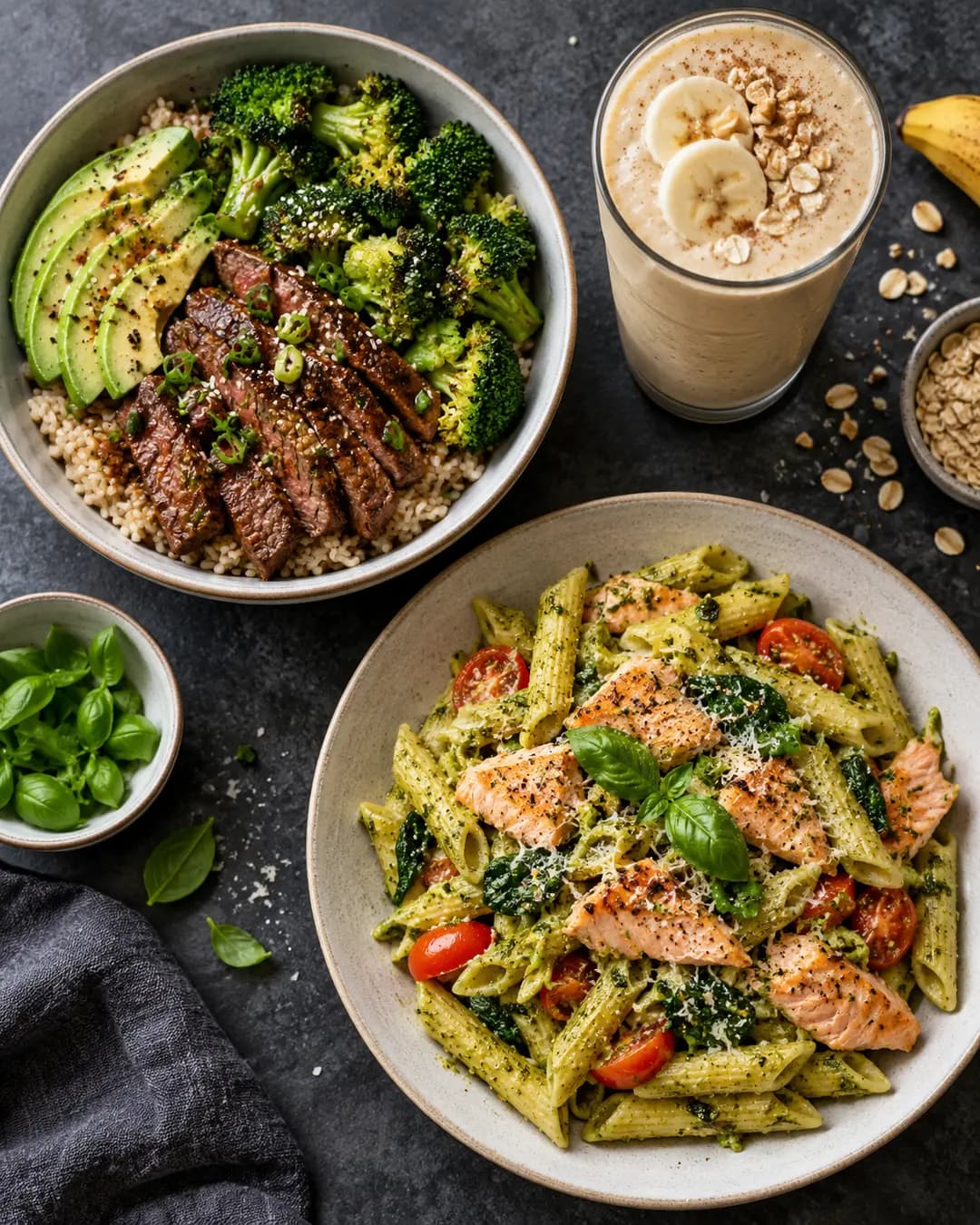
Clean Bulk
6 recipes
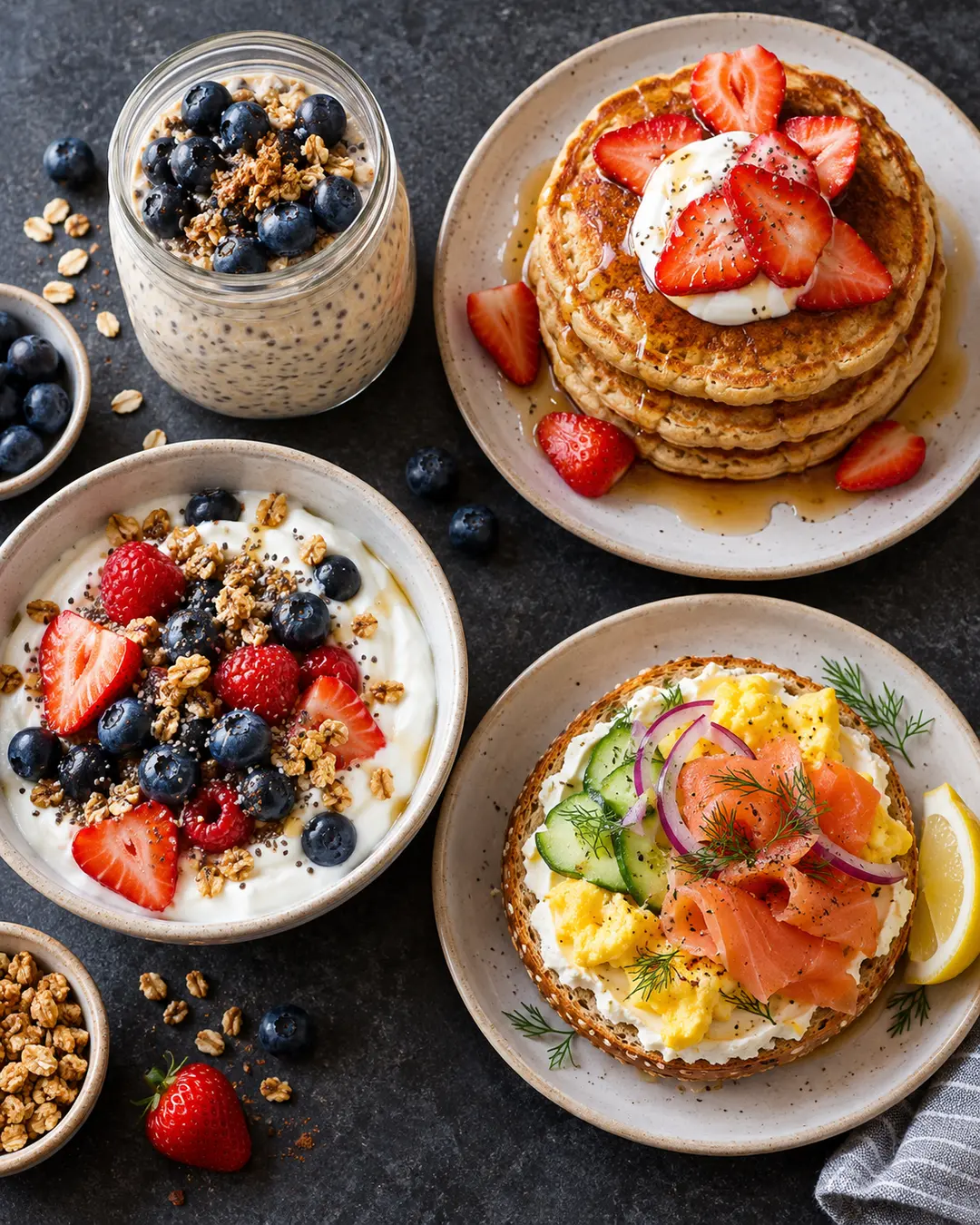
High-Protein Breakfasts
6 recipes
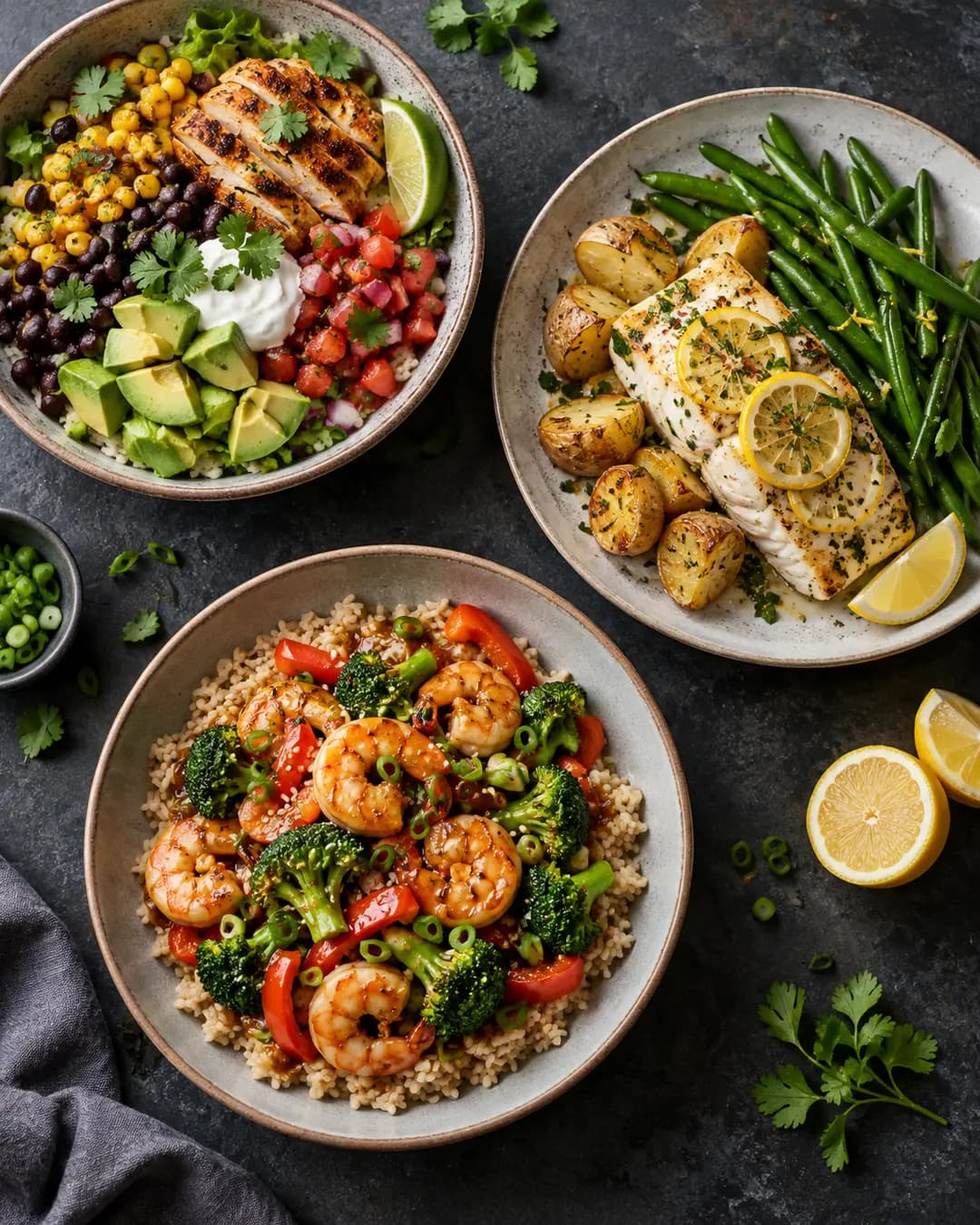
Lean Cut
6 recipes
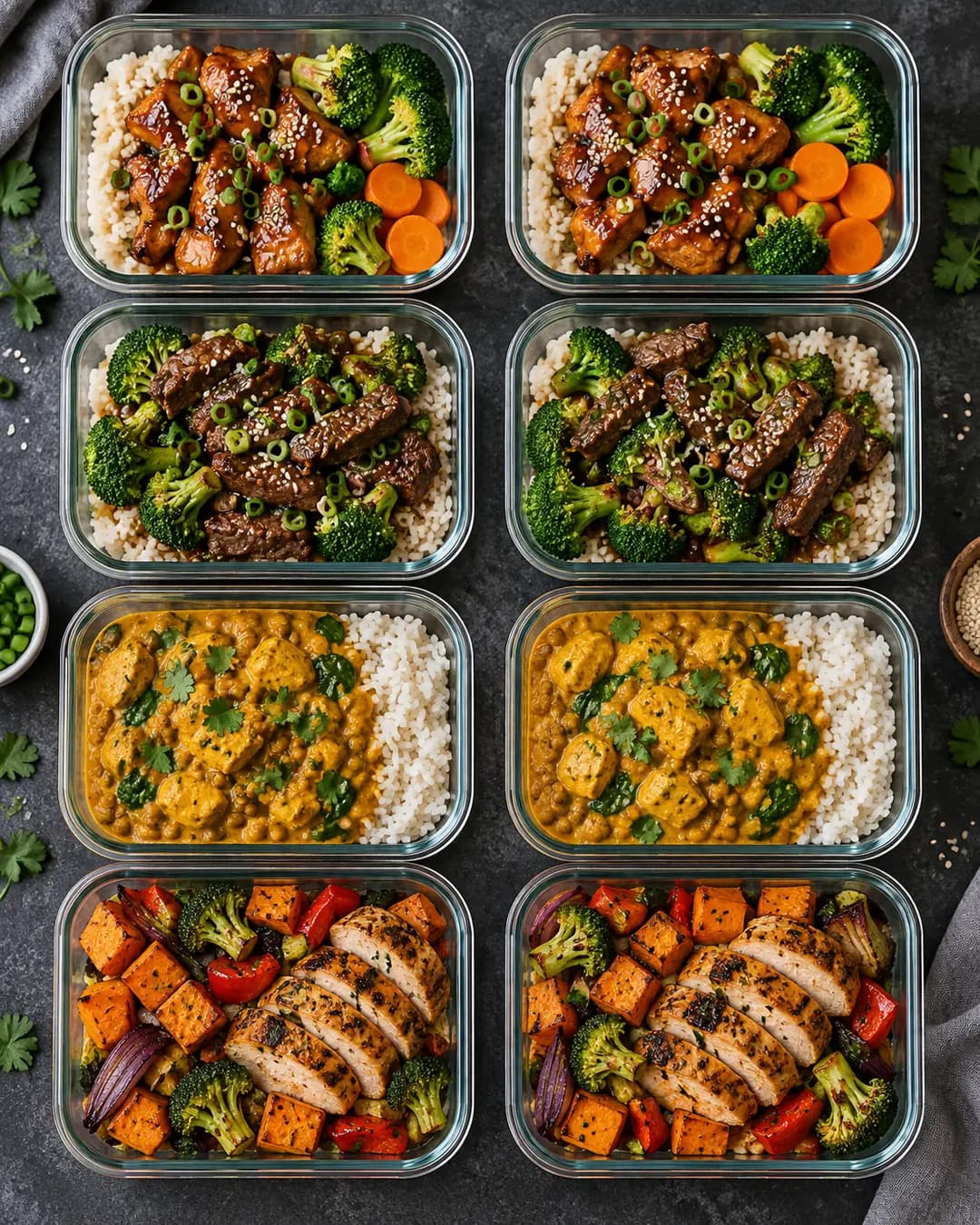
Meal Prep Sunday
6 recipes
The app plans every day for you, so there's nothing to figure out. And in #Gymbers100 one bad day doesn't end it: you can miss a few days or weeks and keep going.
Your program tells you each exercise, set and weight. Every exercise has a video, and the app shows what you lifted last time. Programs are labelled by level.
Scan the barcode or search; the app's recipes go in with one tap. It doesn't have to be exact: a day counts once you've logged 75% of your target.
Your program's workouts, at least three a week. A few minutes a day to log food. Steps you'd mostly walk anyway.
Yes, and one account works on both if you sign in the same way. Signing in with Apple on one phone and with email on the other creates two accounts.
One plan covers the whole app, by the month or by the year. Cancel any time where you subscribed; you keep access until the end of the period you paid for.
Yes. Your 100 days begin the day you start. Or start with everyone on January 1, 2027; sign up in the app from December 1.
One plan with everything in the app, paid monthly or yearly. For iPhone and Android.
€9.99/month
Or €59.99 a year.
Cancel any time.